 Skip to navigation
Skip to main content
Skip to navigation
Skip to main content 
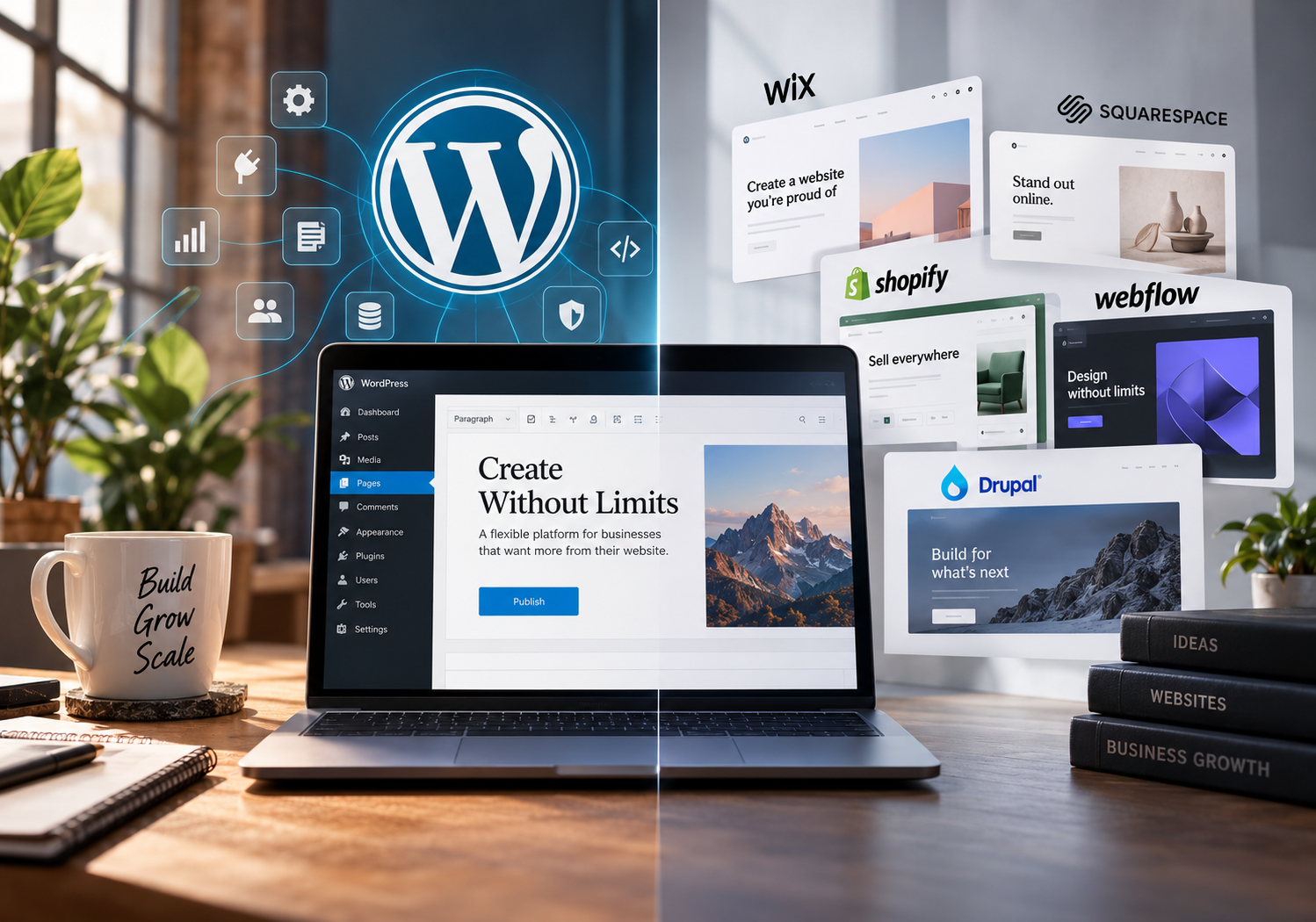
WordPress vs The Rest: The People’s Choice for Web Building

There is no shortage of ways to build a website today. In fact, choosing the platform has arguably become more complicated than building the website itself.
WordPress, Shopify, Wix, Squarespace, Webflow and Drupal all occupy slightly different corners of the market, while newer AI website builders are making another promise altogether: describe your business, wait a few minutes, and your website is practically ready.
For a business owner looking at these options, it can be difficult to understand where the meaningful differences actually are. Most platforms can produce a professional-looking homepage. Most can handle contact forms, blogs, images, landing pages and basic SEO. Many can process payments. Almost all of them advertise themselves as scalable.
The differences usually become apparent later, when the website has been running for a few years and the business starts asking more of it.
Perhaps the marketing team needs landing pages that do not follow the original template. The company wants to enter another country and needs a proper multilingual structure. The CRM needs to communicate with the website. Paid advertising has grown and the tracking setup needs to become more sophisticated. SEO has moved beyond writing articles and now involves technical changes across hundreds of pages. Or an e-commerce operation that started with twenty products suddenly has several thousand.
At that point, the conversation is no longer about which website builder has the nicest templates. It is about how much control the business has over a piece of infrastructure that has become increasingly important to its operation.
That is the context in which WordPress makes the most sense.
Why WordPress is still part of the conversation
WordPress has been around long enough that calling it innovative can sound strange. There is always a newer platform with a cleaner interface or a more fashionable way of building pages. Yet WordPress has managed to remain relevant through several generations of web technology, and there is a fairly practical reason for that.
It does not try to predict exactly what a website should be.
At its core, WordPress is a content management system. What happens around that core can be relatively simple or remarkably complex. A small company can use it for a straightforward ten-page corporate website. Another business can use the same CMS as the foundation for thousands of pages, multiple languages, e-commerce, membership functionality, customer portals, API integrations and extensive marketing infrastructure.
That flexibility is not always necessary, and this is where conversations about WordPress occasionally become unrealistic. A local business that needs five pages, opening hours and a contact form does not automatically need a sophisticated WordPress environment. Wix or Squarespace may be perfectly adequate and potentially easier to manage.
The argument for WordPress becomes stronger when the website is expected to change with the company.
A website rarely remains what it was on launch day. Businesses add services, change positioning, enter new markets, adopt different software and discover new marketing channels. A platform that works beautifully for version one of the business may become restrictive by version three.
WordPress has endured largely because it leaves a great deal of that future undecided.



WordPress and Wix are solving slightly different problems
Wix deserves considerably more credit than it sometimes receives from developers. It made website creation accessible to businesses that neither needed nor wanted a development team. A company can choose a template, edit its content visually, connect a domain and operate most of the website from one environment. Hosting and much of the technical infrastructure are handled behind the scenes.
There is real commercial value in that simplicity.
For a small organisation with predictable requirements, having fewer technical decisions to make is often an advantage rather than a limitation. The owner does not necessarily want to understand hosting architecture, PHP versions, databases, caching or plugin compatibility. They want the website to work.
Where the distinction appears is when the business begins asking for functionality that falls outside the comfortable boundaries of the platform.
WordPress gives developers considerably more freedom to change how a website behaves, where it is hosted, how data is handled and how external systems are connected. Wix reduces some of that freedom in exchange for managing more of the technical environment for the customer.
Neither philosophy is inherently wrong. They simply represent different priorities.
If simplicity is the overriding requirement, Wix has a strong case. If the website is expected to become increasingly customised, WordPress generally provides more room to work.
Squarespace has a similar advantage — and a similar trade-off
Squarespace has built a strong position among creative businesses, consultants, hospitality companies and organisations that want a polished online presence without commissioning a completely bespoke website.
It is particularly good at making design consistency easier. Templates are controlled, the editing experience is relatively approachable and much of the underlying technical environment is managed by the platform.
For the right company, that can remove an enormous amount of unnecessary complexity.
The question is what happens when the company's requirements stop being standard.
Businesses do not normally wake up one morning and decide they need a complicated website. Complexity accumulates gradually. A new marketing platform is introduced. A particular form needs to send data somewhere unusual. The SEO team wants greater control over a template. A third-party system needs an API connection. A new business division requires a completely different content structure.
With WordPress, there is usually a way of approaching those requirements because the underlying system is open to development. With a managed website builder, you are ultimately working within the functionality and integrations that the provider makes available.
For many companies, those boundaries will never become a problem. For others, they eventually become the reason the website has to be rebuilt.
Shopify is a different conversation
Comparing WordPress and Shopify as though they were trying to do exactly the same job misses an important point.
Shopify is first and foremost a commerce platform, and that focus is one of its strengths. A retailer can access a mature environment for products, inventory, payments, checkout and order management without assembling the entire infrastructure independently.
If we were working with a company whose main requirement was to launch and operate a relatively conventional online store, Shopify would absolutely belong in the conversation.
WordPress handles commerce primarily through WooCommerce, and the proposition is different. WooCommerce sits within the broader WordPress environment, which means commerce can be integrated into a much more flexible content platform. That can be particularly valuable when a company has a significant publishing strategy, unusual product structures, extensive SEO requirements or business logic that does not fit neatly into a standard store.
The price of that flexibility is technical responsibility.
A WooCommerce website can require more active management. Hosting matters. Database performance matters. Plugin quality matters. Security matters. Updates need to be handled properly, particularly when multiple extensions interact with the checkout process.
Shopify deliberately takes much of that responsibility away from the merchant. In return, the merchant accepts more of Shopify's rules and architecture.
For some businesses, that is an excellent exchange. For others, particularly those with highly customised requirements, it can eventually feel restrictive.
This is why “WordPress vs Shopify” rarely has a useful universal answer. The architecture should follow the business model.
Webflow changed what businesses expect from visual website building
Webflow is another platform we would not dismiss simply because WordPress exists. It has helped close the gap between professional design tools and web development, giving designers far more direct control over how a finished website behaves.
For marketing websites where visual execution is particularly important, Webflow can be an excellent environment. It also removes much of the server and maintenance work associated with self-hosted WordPress installations.
Where WordPress retains an advantage is the breadth of the ecosystem around it.
There are decades of plugins, integrations, development knowledge and specialist services available for WordPress. When a website needs to move beyond marketing pages and into more specialised functionality, that ecosystem can become extremely useful.
Again, this is less about which platform is “better” and more about where the complexity of the project is likely to sit. Webflow is exceptionally capable when the challenge is visual. WordPress becomes increasingly interesting when the challenge is architectural.
Then there is Drupal
Drupal and WordPress are more directly comparable because both are established open-source content management systems.
Drupal is powerful, particularly when dealing with sophisticated content models, permissions and complex enterprise environments. There are projects where its structure makes considerable sense.
Its challenge is accessibility.
Developing and maintaining a serious Drupal implementation generally requires specialist expertise, and the ecosystem is less approachable for the average small or medium-sized business. WordPress occupies a useful middle ground. It can support substantial technical complexity while remaining familiar enough that marketing teams can manage everyday content without involving a developer every time a paragraph needs changing.
That balance between technical capability and practical usability is easy to underestimate.
A technically perfect CMS that the marketing department hates using is not necessarily a successful implementation.
SEO is where control starts to matter
Most modern platforms can handle basic SEO reasonably well. Titles, descriptions, image alt text, sitemaps and clean URLs are no longer unusual features, so saying that WordPress is the only sensible platform for SEO would simply be inaccurate.
The difference appears when SEO stops being basic.
As websites grow, search optimisation begins to involve architecture rather than individual pages. Internal linking, canonical rules, structured data, redirects, indexation, international targeting, pagination, templates, performance and crawl behaviour can all become part of the discussion.
WordPress gives experienced SEO teams and developers a high degree of control over those areas.
The established plugin ecosystem helps with routine work, but the more important advantage is that specialists are not necessarily limited to what a particular SEO interface allows. Templates can be modified, custom functionality can be developed and technical solutions can be implemented at a deeper level.
That freedom matters far more to a website with 10,000 pages than it does to one with ten.
Of course, WordPress can also be a mess
This part is sometimes conveniently left out of articles promoting WordPress.
We have all seen bad WordPress websites.
They take six seconds to load. There are 47 plugins installed, nobody knows what half of them do, the theme has not been updated for years and removing one seemingly irrelevant extension causes three pages to stop working.
That is a WordPress website, but it is not an argument for how WordPress should be used.
The openness of the platform means it is remarkably easy to make poor technical decisions. Installing another plugin is often easier than solving a problem properly, and over several years those shortcuts accumulate.
A well-built WordPress website needs architecture. Plugins should be selected because they are genuinely required, not because installing software has become the default answer to every problem. Hosting should match the demands of the website. Backups, security and updates should be treated as normal operational responsibilities.
Performance is similar.
WordPress is frequently described as slow, yet there is nothing particularly mysterious about why many WordPress websites perform badly. Heavy themes, excessive JavaScript, enormous images, cheap hosting, poorly configured caching and unnecessary third-party scripts will damage performance on almost any stack.
The platform gives you control. It does not guarantee that the control will be used well.
And, perhaps ironically, that is both the best and worst thing about WordPress.
The website is no longer just the website
The most important reason we still consider WordPress seriously has less to do with page builders or themes.
Modern business websites are becoming part of a much larger digital infrastructure.
A website may communicate with a CRM, Google Ads, Meta Ads, analytics platforms, consent management systems, email marketing software, payment providers, ERP systems, automation tools and server-side tracking infrastructure. Leads enter through it. Customer journeys are measured through it. Advertising depends on the data generated through it. Organic search brings users into it.
Once that happens, the website is no longer an isolated marketing asset.
It is part of the operating system of the business.
And this changes how platform decisions should be made.
The cheapest or easiest platform to launch is not necessarily the cheapest platform to operate for the next five years. Equally, paying for flexibility that a company will never use makes little commercial sense.
The objective should be to understand where the business is heading and choose technology that leaves enough room to get there.
So why does WordPress continue to win so much business?
Not because it is perfect.
It is not.
Shopify can provide a more straightforward e-commerce operation. Webflow can offer an excellent environment for design-led marketing sites. Wix and Squarespace can make life significantly easier for companies with simple requirements. Drupal can be the right answer for highly specialised enterprise projects.
WordPress sits somewhere between all of them.
It is accessible enough for relatively straightforward websites, mature enough for serious organisations, extensible enough for developers and familiar enough for marketing teams. More importantly, businesses can choose where to host it, who develops it, how it connects to other systems and how far it is customised.
There is a practical form of independence in that.
If the hosting company is no longer suitable, it can be changed. If the development agency changes, the website does not have to disappear with it. If a standard plugin cannot solve a particular problem, custom functionality can be developed. If the company enters another market, the existing platform can often be expanded rather than discarded.
That does not make WordPress the correct CMS for every project.
It makes it difficult to outgrow.
And perhaps that is the better explanation for its longevity.
Twenty years into its life, WordPress is still not trying to tell businesses exactly what a website should look like, how it should operate or what it should become. It provides the foundation and leaves many of those decisions to the people building on top of it.
For a small company, that can mean a professional website that is easy to expand. For a larger organisation, it can mean a sophisticated digital platform connected to the rest of its technology stack.
The requirements are completely different, yet the underlying CMS can accommodate both.
In an industry that reinvents itself every few years, that flexibility has proved remarkably durable.
Maybe that is why WordPress remains the people's choice for web building. Not because it is always the easiest option, and certainly not because it wins every comparison on every metric.
It remains relevant because businesses change.
And WordPress was built to change with them.
